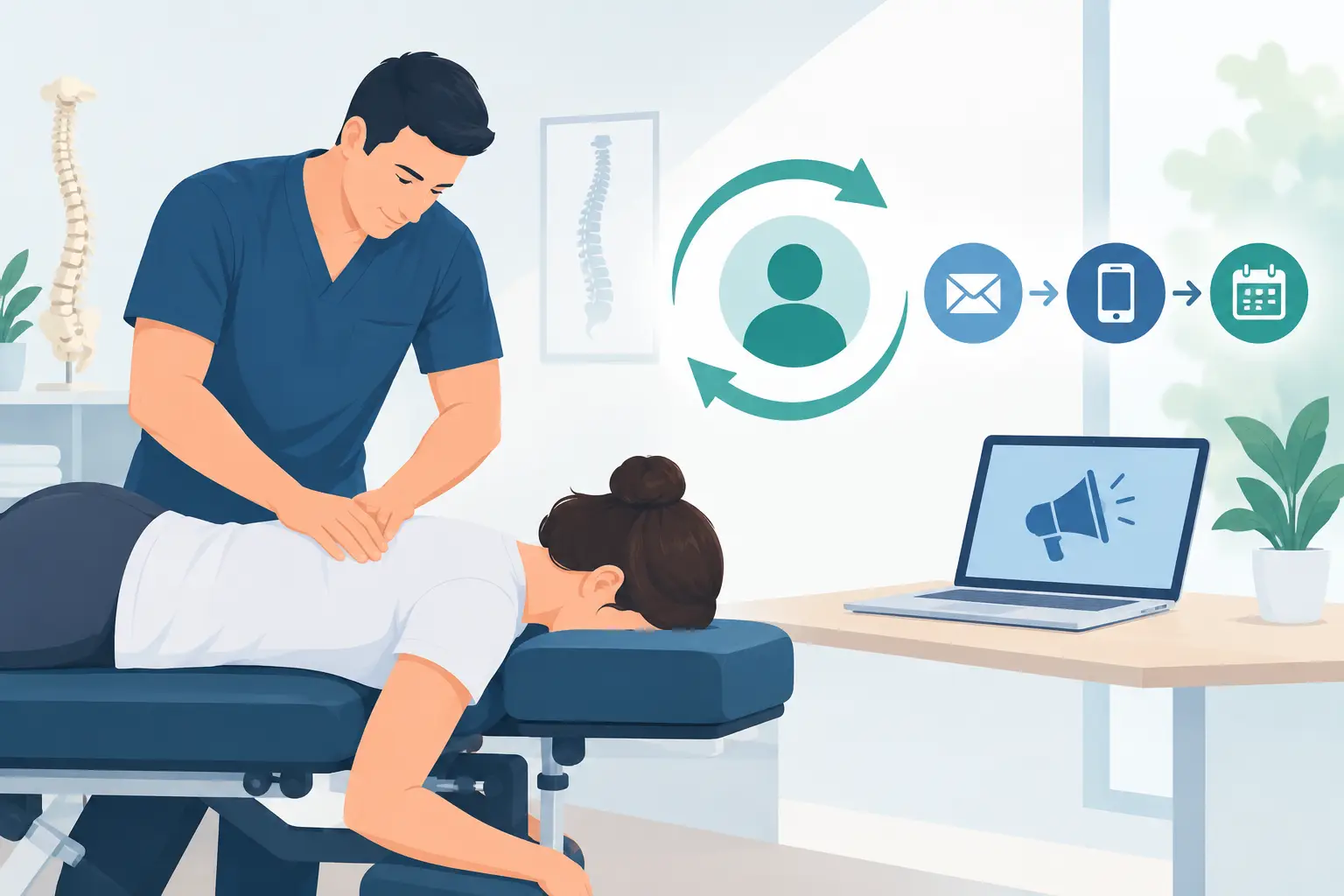
A new patient fills out a form at 9:14 a.m. By noon, they have already called another clinic, read a competitor’s reviews, and booked somewhere else. That is not a front-desk problem. It is a system problem. A smart chiropractic CRM comparison starts with one question: can this platform help your practice respond faster, convert more leads, and bring the right patients back through your doors?
Too many chiropractors buy software based on a slick demo, a low monthly price, or a promise that it does everything. Then the practice ends up with a patient management system that stores records but does little to prevent new-patient leakage. Or it buys a general CRM that feels powerful but creates more work for an already stretched team.
The right choice depends on how your practice grows. A solo clinic focused on converting Google leads has different needs than a multi-provider office managing reactivations, referrals, multiple locations, and a full marketing pipeline. Your CRM should support the business you are building, not merely document the business you have today.
What a Chiropractic CRM Must Actually Do
A CRM is not the same thing as your electronic health record or practice management platform. Your EHR manages clinical documentation, schedules, billing workflows, and patient records. A CRM should manage the journey before, between, and after visits: lead capture, follow-up, appointment conversion, referral communication, retention campaigns, and marketing attribution.
For a growth-minded clinic, that distinction matters. If you are investing in Google Ads, local SEO, Facebook advertising, referral campaigns, or a conversion-focused website, you need to know what happens after a prospect raises their hand. Did they get a response within five minutes? Did they schedule? Did they show? Did they become an active care-plan patient? Did they refer someone else?
A platform that cannot answer those questions makes marketing look less effective than it is. Worse, it hides where your team is losing revenue.
The strongest systems make it easier to track lead source, automate appropriate follow-up, assign ownership, and see the real path from inquiry to new patient. They should also support retention without reducing every patient interaction to a generic text blast.
Chiropractic CRM Comparison: Four System Types
The most useful chiropractic CRM comparison is not a race to name a single winner. It is an honest comparison of the four categories practices commonly evaluate.
1. Chiropractic EHRs With Basic CRM Features
Many chiropractic practice management platforms include appointment reminders, recall campaigns, intake forms, texting, and limited patient communication tools. For a small clinic with a steady referral base and a simple workflow, this may be enough.
The advantage is convenience. Your schedule, patient information, and communications may sit in one environment, limiting double entry and staff confusion. The trade-off is that these tools are often designed around managing existing patients, not aggressively converting leads from multiple marketing channels.
Before relying on an EHR as your CRM, ask whether it can capture website leads automatically, distinguish a Google Ads lead from an organic search lead, trigger follow-up based on lead status, and report conversion by source. If the answer is no, your marketing decisions will be based on partial data.
2. Purpose-Built Patient Engagement Platforms
Patient engagement systems are typically stronger at texting, online scheduling, reviews, forms, recalls, and communications that keep patients connected to the practice. They can be valuable for reducing no-shows, encouraging reviews, and reactivating inactive patients.
This category is often a strong fit for clinics where retention and patient experience are the immediate priorities. If your front desk needs better communication tools more than a full sales pipeline, patient engagement software can produce measurable gains quickly.
The limitation is depth. Some platforms handle patient outreach well but offer less flexibility for marketing automation, lead scoring, campaign attribution, or multi-stage pipelines. A clinic spending heavily to generate new leads may need more than reminders and review requests.
3. General-Purpose CRMs
General CRMs are built for sales organizations. They can be highly configurable, with detailed pipelines, automated task assignments, reporting dashboards, campaign tracking, and advanced segmentation. For a larger chiropractic group or a practice with a dedicated marketing and call-handling team, that flexibility can be a major advantage.
But flexibility is not free. A general CRM requires thoughtful setup, clean processes, staff training, and ongoing ownership. Without those pieces, it becomes an expensive database full of stale leads and inconsistent notes.
General CRM platforms are best for practices that know their lead process and are prepared to manage it. They are not ideal when the owner expects software to fix a weak follow-up culture on its own. If nobody is accountable for calling, texting, and moving leads through the pipeline, the dashboard will not create new patients.
4. Marketing Automation Platforms With CRM Functions
Marketing-focused platforms combine lead capture, email, text automation, landing pages, campaign tracking, and pipeline tools. They are attractive to practices that want one system connecting advertising, website forms, follow-up, and reactivation.
For growth campaigns, this category can be highly effective. A prospect who requests a new-patient offer can receive an immediate confirmation, a staff follow-up task, a reminder sequence, and a separate path if they do not schedule. Your clinic can then see which campaigns generate booked appointments rather than just form submissions.
The trade-off is that marketing automation needs strategic restraint. Poorly written sequences, excessive texting, and weak segmentation can hurt trust. Chiropractic care is personal. Your automation should move people toward a real conversation with a knowledgeable team member, not make your clinic sound like a call center.
The Features That Separate Growth Tools From Digital Filing Cabinets
Do not make your decision from a feature checklist alone. Nearly every vendor can claim texting, reporting, automation, or integrations. Ask how those features work in the exact moments where clinics lose leads.
Speed-to-lead is nonnegotiable. Your CRM should notify the right person immediately when a website form, phone inquiry, chat request, or ad lead arrives. It should document every outreach attempt and flag leads that have not received a response. A prospect who hears from your office tomorrow is rarely as valuable as one who hears from you now.
Lead-source attribution is equally important. If your clinic cannot see whether patients came from Google Business Profile, organic search, Google Ads, Facebook, referrals, or direct traffic, you cannot confidently scale your marketing. Track the source through scheduled appointment, first visit, care-plan acceptance, and, where possible, patient value.
Your team also needs a practical pipeline. At a minimum, you should be able to distinguish new inquiries, contacted leads, scheduled patients, no-shows, unresponsive leads, active patients, and reactivation opportunities. This is not administrative busywork. It exposes the revenue sitting in your current database.
Two-way texting, call tracking, task assignment, and reporting are valuable only if they fit the front desk workflow. The best CRM is the one your team uses consistently at 4:45 p.m. on a busy Tuesday, not the one that looked impressive during a sales demonstration.
Do Not Ignore Compliance, Ownership, and Integration
A CRM can create risk when practices treat patient data casually. Determine exactly what information will enter the platform, what security measures are in place, whether the vendor supports the agreements and safeguards your practice needs, and how staff permissions are managed. Review these issues with qualified legal and compliance guidance rather than relying on a casual sales assurance.
Data ownership deserves the same attention. Can you export contacts, notes, activity history, campaign data, and reports if you change vendors? Are there extra fees? Does your practice retain access to historical data? A system that traps your data can make a future transition painful and expensive.
Then look at integrations. Your website, online scheduling tools, call tracking, EHR, advertising platforms, and review process should not force your team into duplicate work. However, more integrations are not automatically better. Every connection should solve a real reporting or workflow problem.
How to Choose Without Wasting Six Months
Start by mapping your current patient acquisition process from the first click to the first adjustment. Identify every handoff: website form, phone call, staff response, scheduling, reminders, first visit, no-show follow-up, report of findings, and reactivation. The weak point is usually obvious once the full process is on paper.
Next, set three measurable goals. For example, you may want to contact 90 percent of new leads within five minutes, increase scheduled appointments from paid campaigns, and reactivate a defined segment of inactive patients each month. Those goals should drive the CRM decision, not the vendor’s most entertaining feature.
During demos, use your own scenarios. Ask the vendor to show what happens when a Google Ads prospect submits a form after hours, fails to answer the first call, books an appointment, and then no-shows. Ask how a staff member sees the next action, how the practice measures the outcome, and how the data reaches your reporting dashboard.
Finally, assign an internal owner. Technology without ownership becomes another monthly expense. Someone must review lead response time, pipeline movement, booking rates, no-show recovery, and reactivation results every week.
Your CRM should make every marketing dollar work harder, not give your staff another login to ignore. Build the system around fast follow-up, disciplined accountability, and a patient experience worthy of your clinic’s reputation. When your website, advertising, front desk, and retention strategy operate from the same playbook, competitors have far fewer chances to take the patients you already earned.